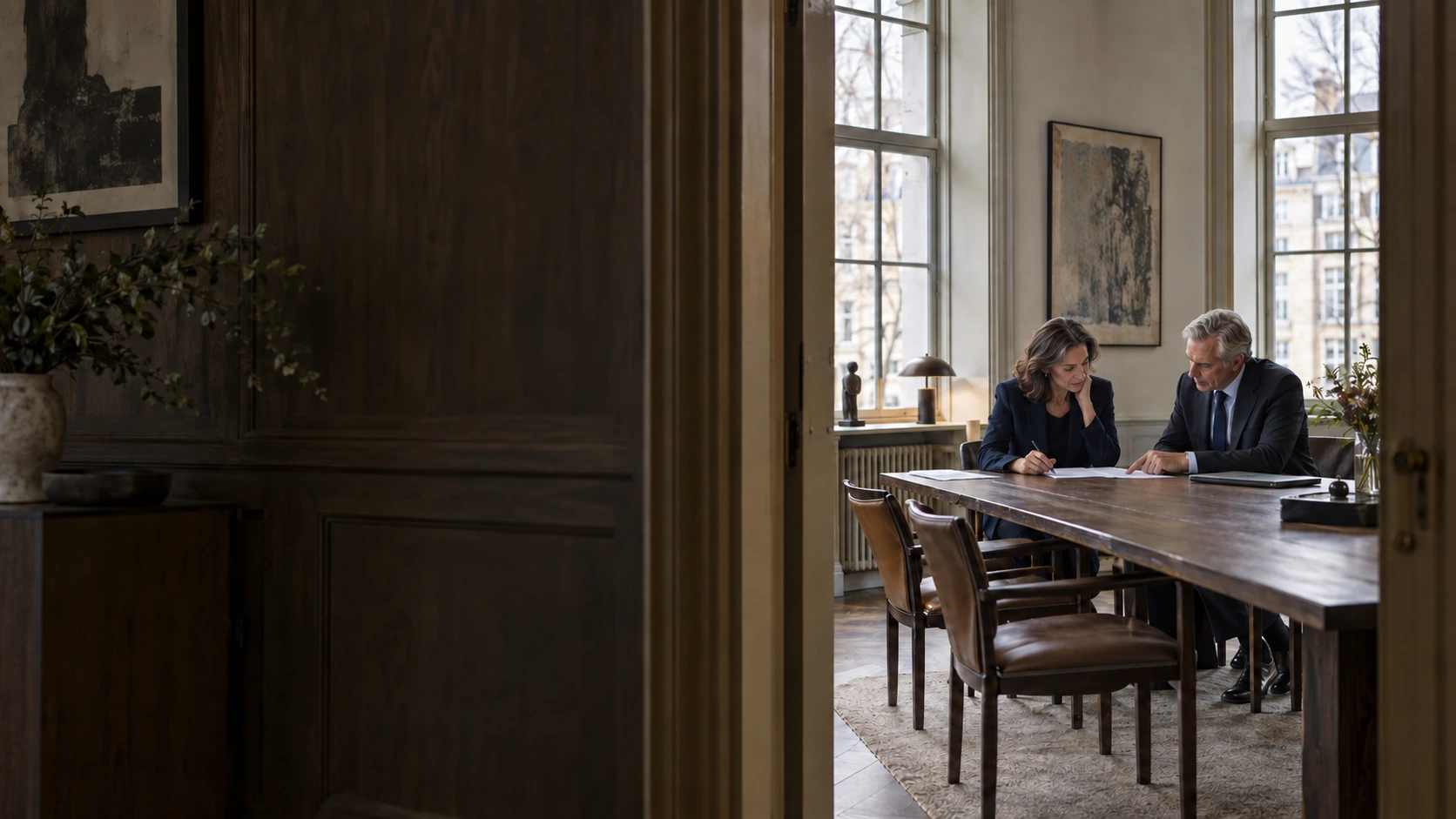

Illustrated office scene with two experienced professionals reviewing documents

Get more of your work
onto your timesheet.

Automatic time tracking for Norwegian lawyers.
Nordivé captures work sessions on your computer and suggests
a matter, description and duration. You review and approve.

Book a demoExplore Nordivé ↓
Approved by you
Example workflow

The tools you already use.

MicrosoftMicrosoft 365
PowerOfficePowerOfficeTime tracking and billing
LovdataLegal sources
The Brønnøysund Register CentreCompany information
The Courts of Norwaydomstol.no · Legal sources
TripletexTime tracking and billing

Call capture · Coming soon

Calls and time tracking

The work is done. Is it all recorded?

The small sessions.
The big gap
in your timesheet.

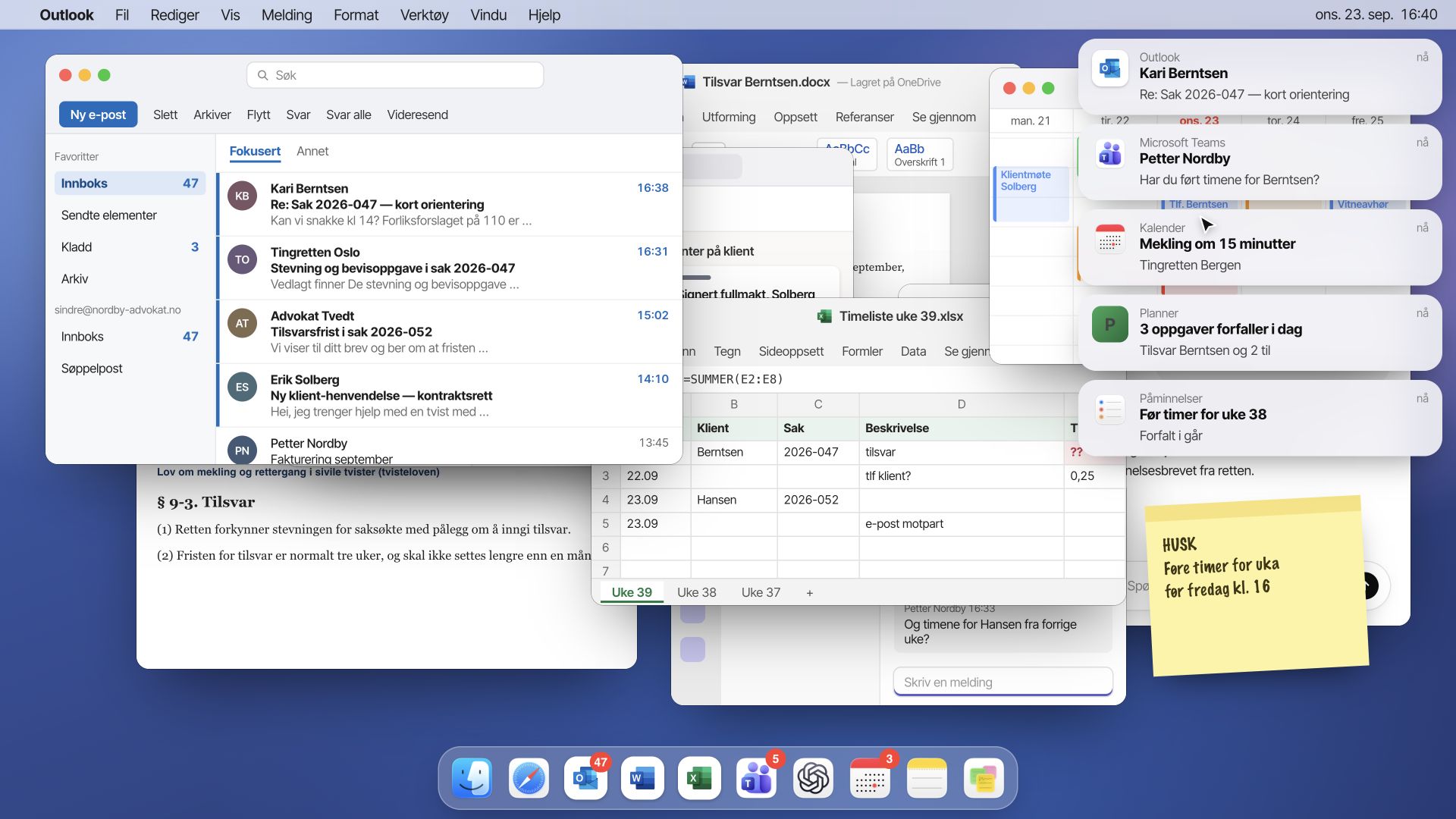
A reply to a client. A few edits to an agreement. A clarification between meetings.

Individually, they are easy to forget. Together, they are part of the working day you need to bill for.

Nordivé captures work sessions as you go. End the day with suggestions to review, rather than a timesheet to fill in from memory.

See how the day comes together ↓

Same working day. A different overview.

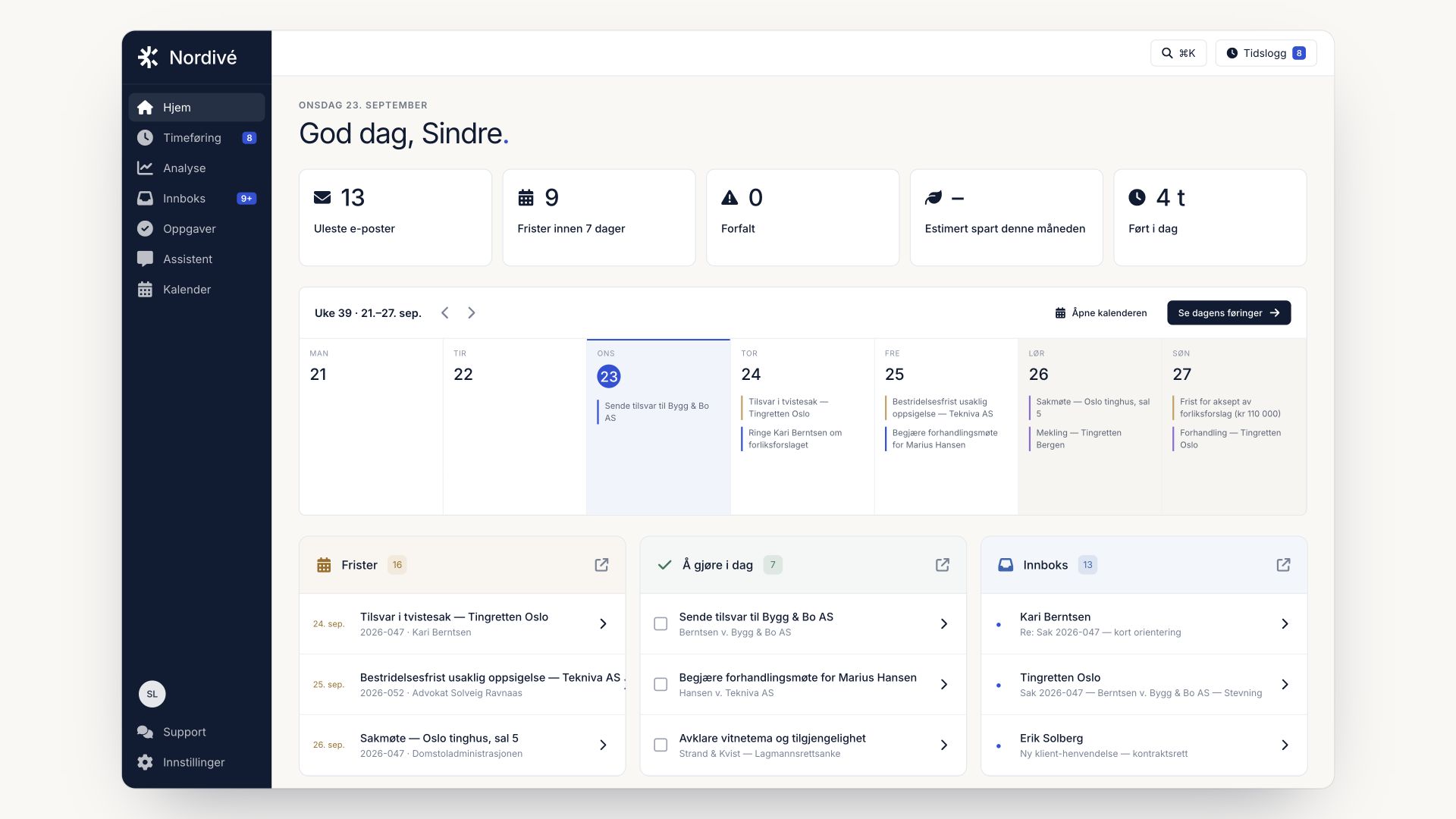
Email, documents and meetings are scattered. Nordivé brings your work sessions together in a time log for you to review.

ControlIllustrated working day

Chaos.Control.From chaos to control

Word08:40Draft response0.50 h
Outlook09:12Email from client0.25 h
Teams10:00Case review0.50 h
Word11:20Review of attachments0.25 h
Outlook13:15Clarification of response0.50 h
Excel14:10Overview of case expenses0.25 h
Word14:35Changes to the agreement0.50 h
Teams15:15Clarification with client0.50 h
Eight work sessions · ready for review3.25 hours

Bring your working day together in Nordivé.

With Nordivé: a combined overview of time, inbox, tasks and deadlinesWithout Nordivé: overlapping email, documents, notifications and a manual timesheet

You keep track of it all.

Email in one window. Documents in another. Your timesheet comes later.

Nordivé brings it together.

See work sessions, email and follow-up in one place. You review and approve.

01 / Automatic time tracking

End your day.
Without reconstructing it.

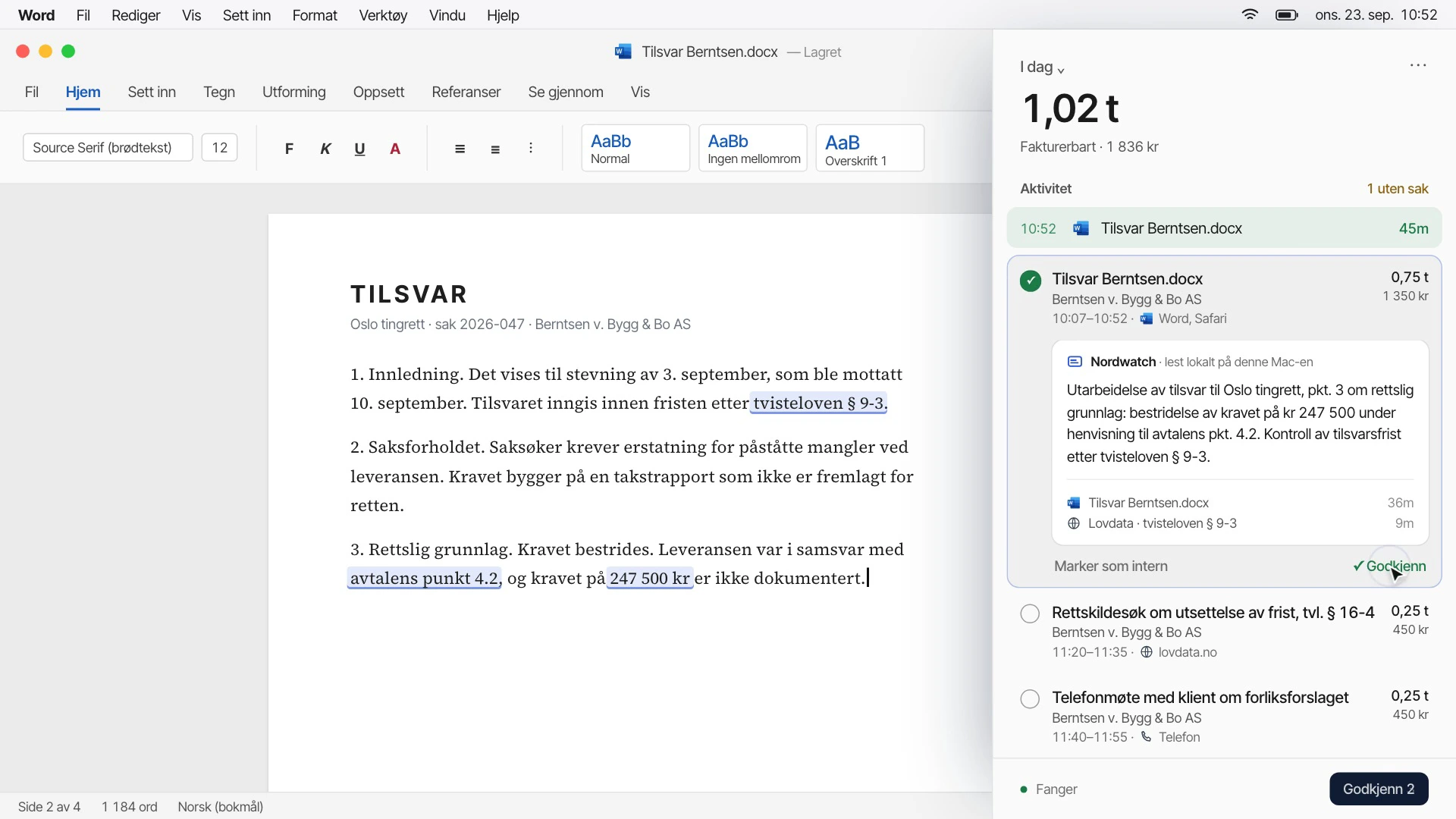
The sidebar captures work sessions on your computer as you work. At the end of the day, suggested matters, descriptions and durations are ready to review. You choose what to record.

Explore time tracking

Illustrated Nordic workplace: working on a matter
Suggestion ready for review
Nordivé / Time trackingSample data

Capture the small moments.

The document you open. The email you answer. Nordivé records work sessions as you go, giving you a basis for your time entries.
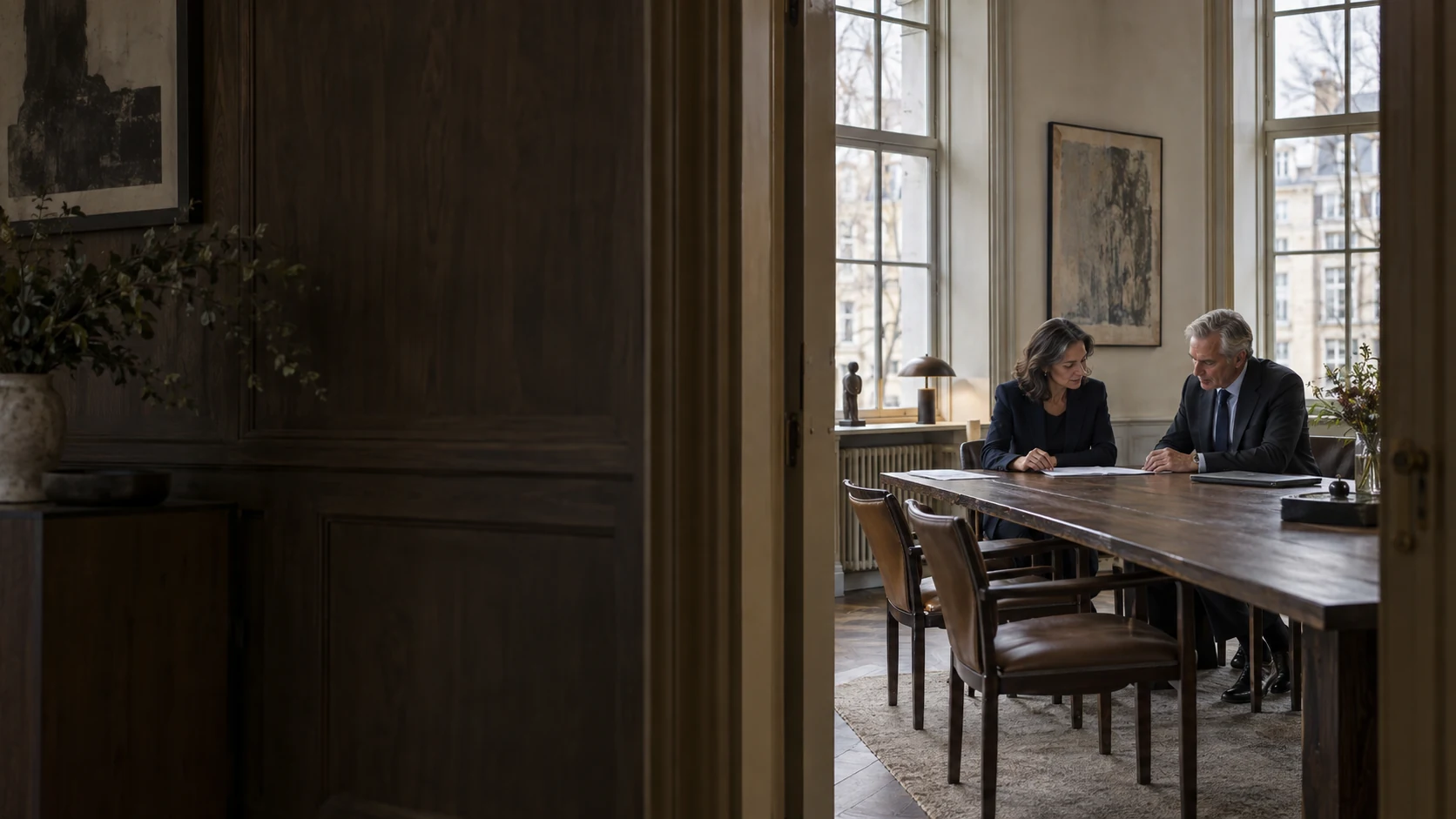
Illustrated Nordic workplace: collaboration
Approved by you
Nordivé / Time trackingSample data

Your judgement. Your time entry.

Nordivé drafts the suggestion and shows its sources. Approve it, edit it or leave it.
02 / Email for lawyers

Know what is urgent.
Move the matter forward.

Email is work on the matter too. Ask AI what to focus on and review messages one at a time. Nordivé connects to your Microsoft account, and work sessions can be included in your timesheet.

Explore the email client
Illustrated Nordic workplace: office architecture
On to the next email
Nordivé / EmailSample data

One email. One decision. Move on.

Review one message at a time. See the email alongside the matter, mark it as handled or skip ahead. You decide what needs to be done.

Illustrated Nordic workplace: case review
Check against the email
Nordivé / EmailSample data

From email to follow-up.

Get suggestions for what needs doing, which matter it concerns and when to follow up. Check the deadline against the email before creating the task.

An easier end to the working day

01

Work on the matter.

Read email and work on your documents. Nordivé captures work sessions as you go.

02

Review the suggestions.

Get a starting point for your timesheet. Adjust the matter, description and duration where needed.

03

Approve the time.

Choose what to take forward for billing. The professional judgement is always yours.

Confidentiality, from the first line

Your client’s trust.
Your responsibility.

A new tool should stand up to scrutiny. See how Nordivé handles data, access and AI.

Read about security

Encryption and access

Data protection, with personal sign-in and restricted access.

No model training on client data

Your work is used to help you, not to train AI models.

Documentation you can assess

Data processing agreement, subprocessors and technical security information.

The people behind Nordivé

Your experience.
Our next improvement.

Nordivé is at an early stage. Two pilot users are about to try the product in their daily work. We follow up personally and use their feedback to make the solution better for lawyers.

Meet the team
Illustrated lawyer working on case documents

Your work deserves to be recorded

Get more of your work
onto your timesheet.

See how Nordivé captures work sessions, suggests time entries and helps you include more of your work in billing.

Try free for 30 days